
Step 1: Client Sign Up
Here are the steps for recruiters, coaches, and consultants that want to help their clients use VPM to find talent.
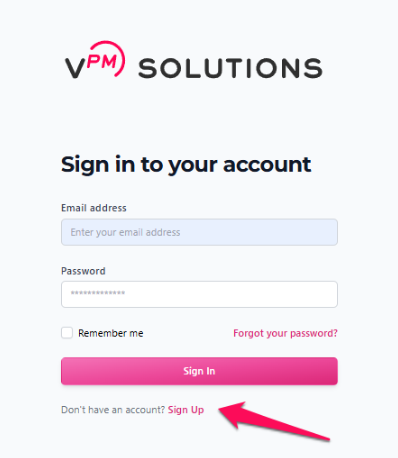
Have your client create a profile on VPM Solutions. Be absolutely sure they use your affiliate link when signing up.
Affiliate Program
For more information about how the affiliate program works and how it benefits you, please review our comprehensive guide.
What is the Affiliate Program?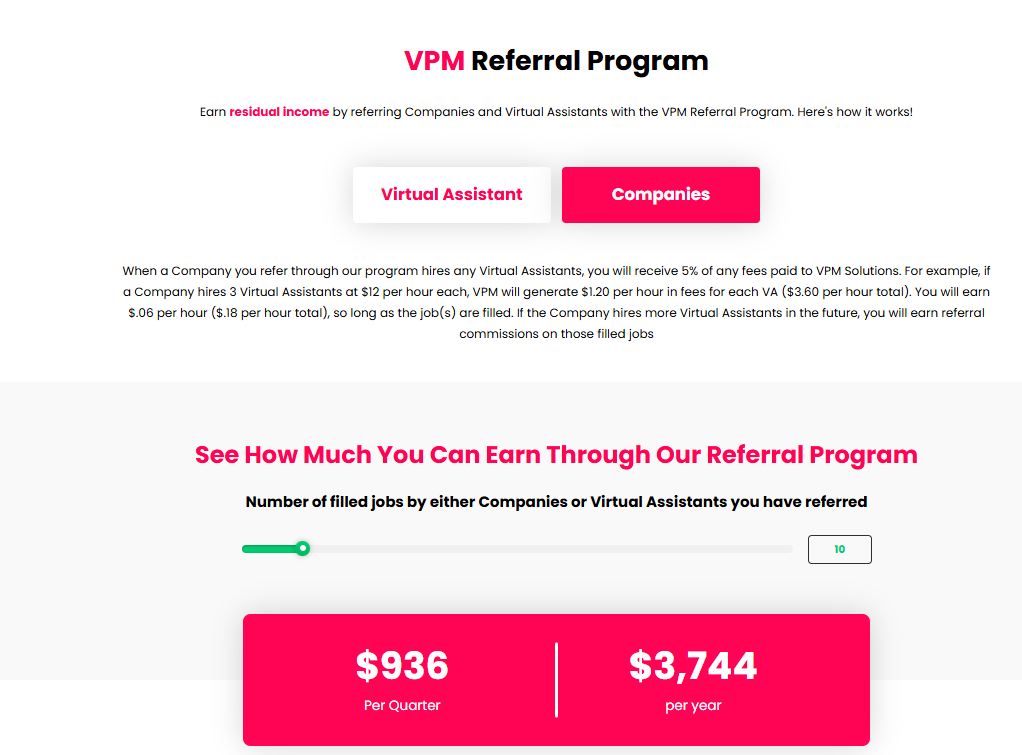
Steps 2 & 3: Workspace Access
Ask your client to invite you to their company as a Company Manager.
You may refer to this article for more information about being invited to a company workspace.
How to invite members into the workspaceAccept the invite.
By being invited to their workspaces and accepting, you can easily toggle between multiple client companies directly from your own VPM dashboard without needing separate login credentials for each one.
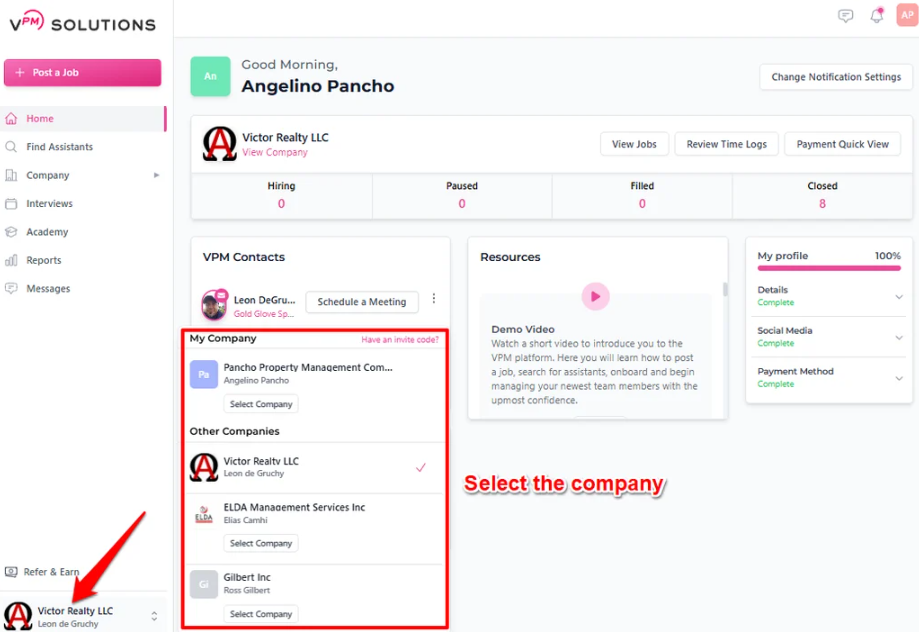
VPM platform showing options to select and switch between company workspaces.
Step 4 & Support
If you need assistance, your client can use your Gold Glove Partner link to schedule a meeting.
If you don't have a partner link, you can schedule a meeting with Pete directly to become a Gold Glove Partner.
Contact Us
If you have any questions about managing multiple clients or the affiliate program, please Contact Us.