
You can easily check if a Remote Team Member (RTM) is currently employed by another company on the platform by looking at their profile indicators.
Visual Indicators:
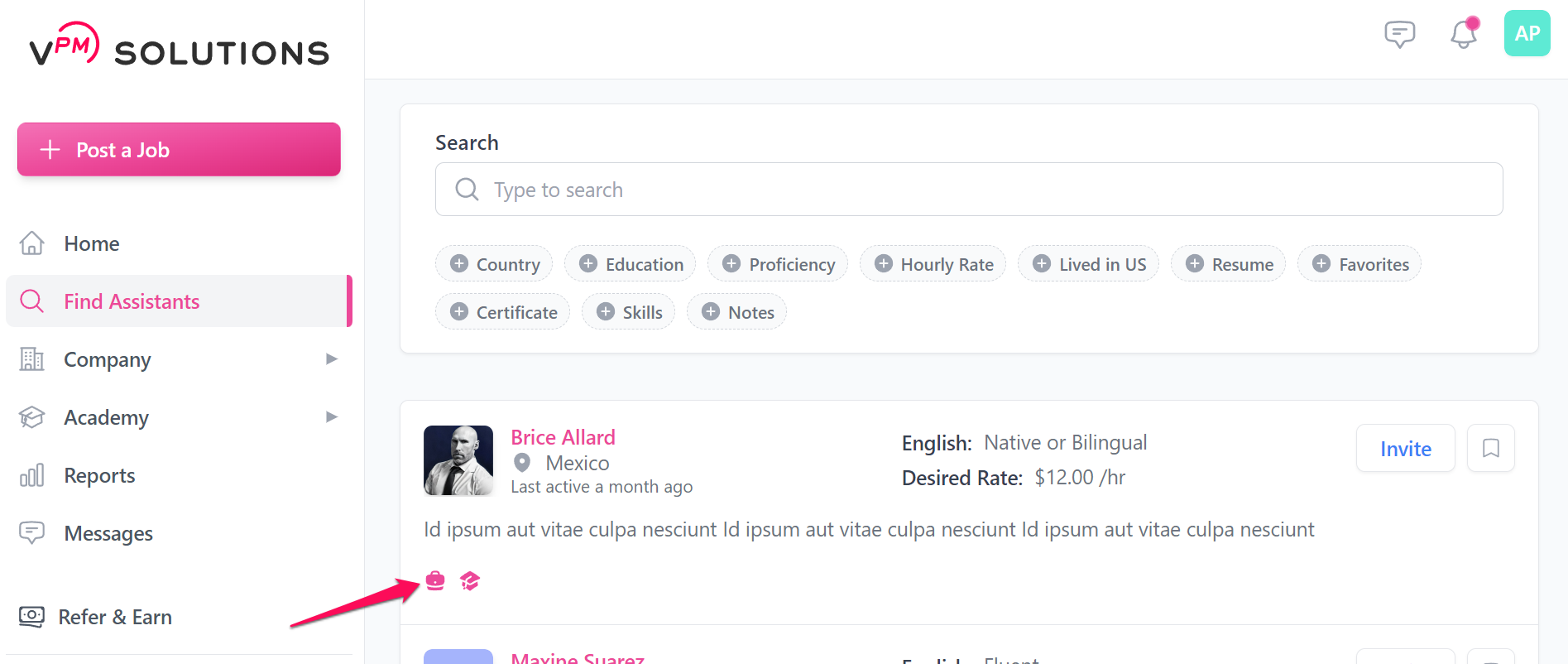
1. Profile Card Badge: When browsing the Find Assistants page, a pink "Working" badge will appear on the top right of their profile card if they are currently active with another firm.
2. Detailed Profile Notification: When viewing a specific applicant in the Application Tracking System (ATS), a clear message will be displayed at the top of their profile details stating they have an existing job.
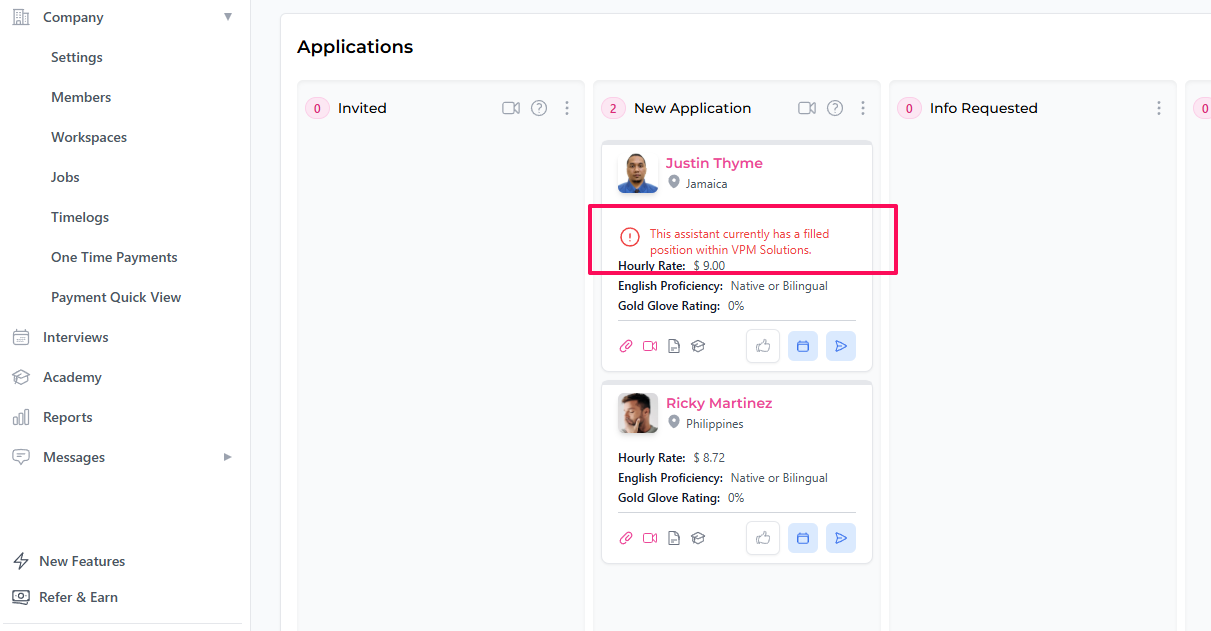
This information helps you understand a candidate's current bandwidth and availability before you move forward with the hiring process.
Need More Information?
If you have specific questions about a candidate's availability or need assistance navigating the platform, our support team is here to help.
Contact Support